
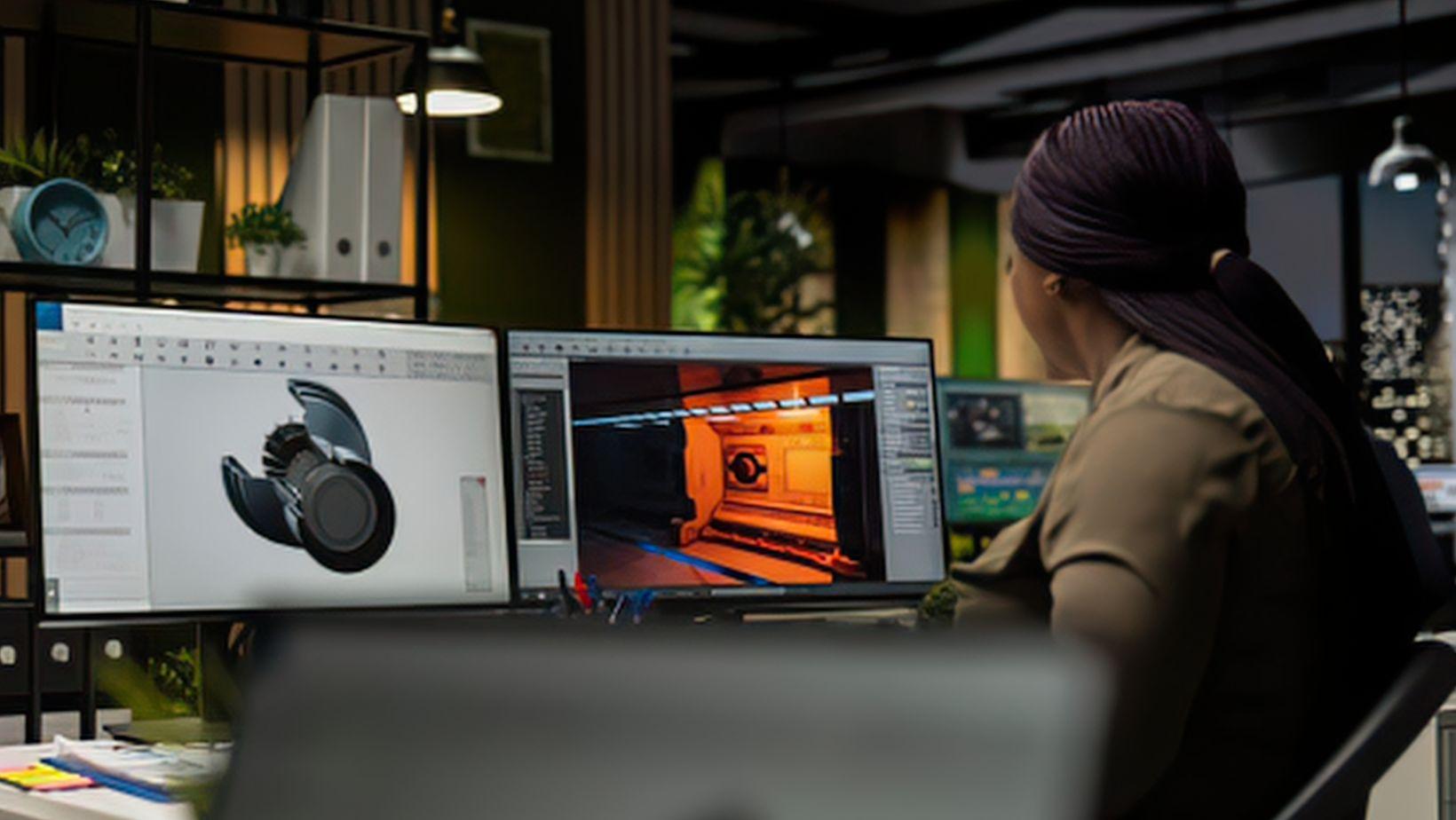
AI 3D generation looks simple from the outside: add a prompt or reference image, process it, and download a model. The difficult part happens in between. A generator has to infer shape, depth, hidden surfaces, materials, and sometimes animation-ready structure from incomplete information.
A similar illusion of simplicity appears in adjacent tools, such as a room generator: a few inputs can produce a convincing visual result, while much of the underlying spatial interpretation remains hidden from view. In 3D modeling, that hidden work matters because a clean render can still conceal weak topology, inconsistent geometry, or a mesh that breaks once it reaches a slicer.
Understanding the process makes it easier to tell a polished preview from an asset that is actually ready for the next stage.
What is an AI 3D model generator?
An AI 3D model generator creates a 3D asset from text, images, or an existing model. The output may include geometry, UVs, textures, materials, and sometimes a rig.
Modern systems often use several stages. A prompt becomes visual features, multiple views may be predicted, a 3D representation is reconstructed, and that data becomes a polygon mesh.
How an AI 3D model generator works
Most current tools follow a pipeline.
Step 1: process the prompt or reference images
Text-to-3D interprets words that describe shape, style, proportions, and surface details. Image-to-3D reads silhouette, depth cues, edges, colors, and object parts.
A single image shows one viewpoint, so hidden surfaces must be inferred. Multi-view input reduces that guesswork by adding side, back, or angled references.
Step 2: predict consistent views or a 3D representation
Many systems generate several camera views of the same object. Those views need to agree, so parts and features stay in the same place as the object rotates.
Some pipelines first build a neural, volumetric, radiance-field, or Gaussian-based representation. The goal is a coherent object from multiple directions.
Step 3: reconstruct the mesh
The temporary representation is converted into a surface, usually a mesh made from triangles or polygons. This stage defines silhouette and proportions.
It can also introduce flaws. Thin parts may merge, holes may close, details may soften, and unseen areas may look less accurate than the reference side.
Step 4: remesh and optimize
Raw geometry can be dense or irregular. Remeshing reduces unnecessary polygons and makes the asset easier to edit, animate, render, or print. Game props need efficient geometry, while animated characters need topology that bends cleanly around joints.
Step 5: generate textures and materials
Geometry defines shape. Textures create much of the visible detail. Current generators may create UVs plus base color, normal, roughness, metallic, and other PBR maps. Multi-view texturing can improve consistency, while de-lighting helps materials react better under new lights.
Step 6: preview, repair, and export
A final preview is a checkpoint, not proof of production quality. Rotation can reveal stretched textures, duplicate parts, holes, asymmetry, or damaged geometry.
Automatic remeshing, resizing, rigging, and format conversion can reduce manual work. Final checks are still common before export.
Common output formats
OBJ works well for simple mesh exchange. FBX is common in animation and game workflows because it can carry rigs and animation data. GLB packages a glTF asset into a compact binary file for web, AR, and real-time delivery.
STL stores geometry and remains widely supported for 3D printing. 3MF can preserve units, color, materials, metadata, and other manufacturing data in one file. The best format depends on the next application.
Core features to look for in an AI 3D model generator
Useful features go beyond text-to-3D. Multi-view input improves shape control. Remeshing and target polygon settings reduce cleanup. PBR textures matter for games and product visualization, while rigging matters for characters.
Export formats and licensing deserve equal attention. A strong model has limited value if the next application cannot read it or commercial use is restricted.
Types of AI 3D model generators
- Text-to-3D generators work well for ideation, concept exploration, props, and quick variations. Exact measurements are rarely their main strength.
- Image-to-3D generators reconstruct objects from one or more references. Multi-view systems help with logos, asymmetry, back-side details, and proportions.
- Game asset generators focus on polygon count, UVs, textures, rigging, and real-time formats.
- 3D printing generators focus more on solid geometry, scale, wall thickness, and print-friendly exports.
Using an AI 3D model generator for 3D printing
A model that looks correct on screen can still print badly. The mesh needs closed geometry, correct scale, printable wall thickness, and enough strength for thin details.
Common checks include non-manifold edges, holes, intersecting shells, inverted normals, floating parts, and fragile features. STL remains a simple geometry-only option. 3MF is useful when units and richer manufacturing information need to survive transfer between tools.
AI 3D model generators for game development
AI generation can shorten the path from an idea to a usable blockout. Props and early environment assets can be created quickly, then refined in standard 3D software.
Production work often continues after generation. Polygon budgets, UV layout, texture density, collision, LODs, pivots, rig quality, and engine settings still need attention. AI works best as a fast starting point, not a replacement for the asset pipeline.
Benefits of an AI 3D model generator
The main advantage is speed. Several shapes and styles can be tested without building every version from scratch. AI also helps with prototypes, placeholder assets, stylized props, product concepts, and reference models, leaving more time for cleanup and art direction.
Limitations of an AI 3D model generator
Generated 3D is an inference, not a precise scan. Hidden surfaces can be invented. Small details can fuse together. Symmetry can drift. Text and logos may distort. Topology may look fine in a still render but fail during deformation.
Exact CAD-style dimensions remain a weak point for many generative systems. Licensing also needs review because rules for input images, outputs, commercial use, and redistribution vary by platform.
Pricing and free AI 3D model generator options
Most platforms use subscriptions, credits, or both. Free plans may limit generation volume, priority, texture resolution, exports, or commercial rights. Paid plans often add higher limits, better textures, APIs, team tools, or broader licensing.
Real cost includes cleanup time and failed generations, not only the subscription price.
How to choose the best AI 3D model generator
The right generator depends on the final workflow. 3D printing needs solid geometry and reliable scale. Games need efficient topology, textures, rigging, and predictable export. Product visualization benefits from accurate shape and materials.
A fair comparison uses the same prompt or reference set across several tools. Mesh quality, back-side consistency, editability, export reliability, and license terms matter more than a polished demo gallery.
AI can remove much of the blank-page problem in 3D creation. Production quality still comes from inspection, cleanup, and optimization for the final use.