
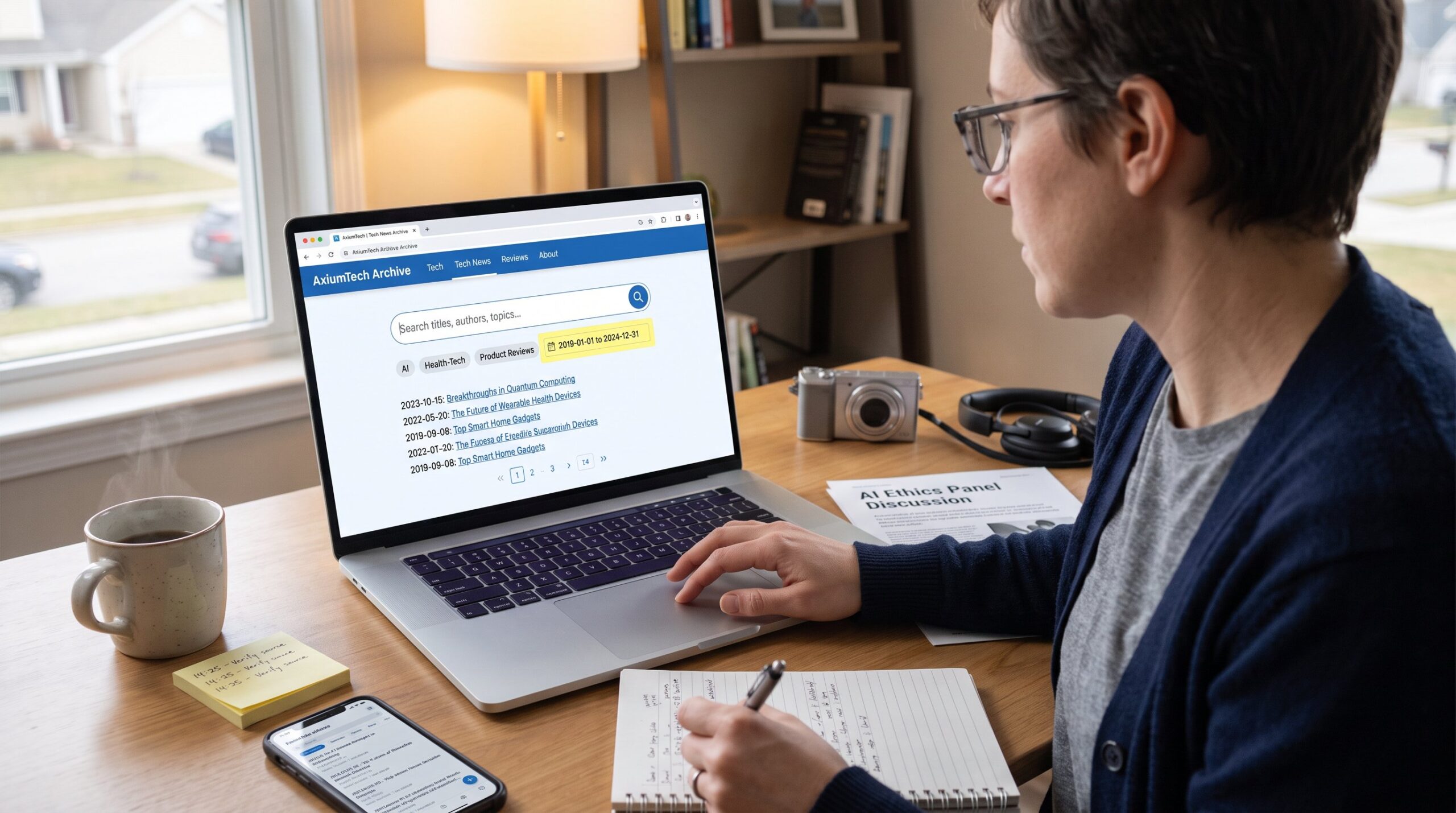
How to Navigate the AxiumTech Tech Archive helps researchers and readers find past tech reporting fast. This guide explains why the archive matters, how to reach category listings on AxiumTech, and practical ways to pull reliable stories and data. It assumes the archive follows common date, tag, and metadata conventions used across news sites. Readers will get concise, repeatable steps for searching, vetting, and organizing results so they can turn archive browsing into reliable research routine.
Key Takeaways
- The AxiumTech Tech Archive is essential for researching technology trends by providing historical articles organized by category and date.
- Access the archive via site navigation through Tech and Tech News categories, using pagination and category headers to refine searches.
- Use filters, advanced search options, and specific date ranges to pull accurate and relevant results from the archive.
- Assess article credibility by reviewing metadata such as author, publication date, tags, and cross-checking sources.
- Organize research effectively using tags, collections, and saved searches to create repeatable and efficient research workflows.
- Combine metadata queries with full-text searches and keep a changelog of queries for precise, repeatable archive browsing routines.
Why Use the AxiumTech Tech Archive for Research and News
The AxiumTech Tech Archive stores past technology trend articles, product coverage, and health‑tech pieces useful for longitudinal research. Use it because the site groups content by topic (Tech, Tech News) and retains older posts that reveal how coverage and vendor claims changed over time. For example, a comparison of 2019 and 2024 posts can show product maturity or repeated reporting errors. Researchers needing a quick orientation should start with the site’s category listings and then pivot to tag or date filters. AxiumTech’s catalog also supports hands-on tasks like tracking a company across product cycles, this makes the archive a practical primary resource for journalists, analysts, and students.
How to Access and Navigate the Archive Interface
Access the archive through the site navigation to Tech and Tech News categories: older entries appear via pagination or “older posts” links. The homepage surfaces recent pieces while category pages let users dive deeper into chronological listings. When starting, scan category headers for a concise topical filter (for example, ‘Tech News’ versus general ‘Tech’). If the site exposes an archive landing page, it acts as a hub for date and topic access. Users who need broader context should read a short site overview first: the site overview gives a clear map of AxiumTech’s coverage and is useful before deep searches.
Using Filters, Advanced Search, and Date Ranges Effectively
Start with the fact: specifying explicit start and end dates produces the most accurate archive results. Use filters to narrow by category, tag, or media type when available. Advanced search often supports metadata queries (title:, author:, tag:) and full‑text searches for broader discovery. When searching by date, prefer full range queries like “2018-01-01 to 2021-12-31” to avoid ambiguous results: some systems also accept rolling ranges (Today, This Month). If the site lacks a robust search box, combine site-specific Google queries with date operators. For recurring research, build a saved search that includes tag filters and a fixed date range so results remain repeatable and comparable over time.
Understanding Article Pages, Metadata, and Source Credibility
Key fact: article metadata reveals credibility at a glance. On each article page, note the title, publication date, category, tags, and author. Those fields let researchers timestamp claims and follow an author’s reporting history. Assess credibility by checking whether the piece cites primary sources, includes links to vendor specs or studies, and aligns with contemporaneous reporting on the same topic. If an author lacks a profile or the date seems missing, flag the piece for verification. For provenance, cross‑check identified claims against other reputable outlets or technical documentation: when timelines matter, use archived versions or the article’s revision history if provided.
Organizing Research: Tags, Collections, and Saved Searches
Start with the answer: use tags, collections, and saved queries to make archive research repeatable. Tags usually group articles on the same subject: combine tag filters using “contains any” or “contains all” to refine results. Collections or bookmarks let researchers assemble a curated set of articles for a project. Saved searches that fix tag sets and date ranges let one replay the same query later and measure new additions. For projects that reuse snippets or data, export or copy key metadata fields into a spreadsheet. When working across AxiumTech’s holdings, find related cluster pages such as the tech archive and the inside archives to seed collections and avoid reinventing tag lists.
Best Practices for Efficient, Repeatable Archive Searches
Direct answer: combine metadata queries with full‑text searches and reuse structured date ranges. Metadata searches (title, date, tags) narrow to high‑precision hits: full‑text searches reveal broader context. Use explicit Boolean operators and exact phrases for targeted results. Save these structured queries where the archive supports saved searches. When refining results, add a second filter, author or publication category, rather than broadening keywords: this reduces noise. Keep a short changelog of queries used and the date run: this helps explain differences between repeated runs. For site‑specific navigation, reference guides on reusing older posts, for instance the practical notes on how to reuse old content.
Conclusion
The AxiumTech tech archive becomes powerful when searches are explicit, organized, and repeatable. Use category pages and tags to find initial leads, then lock queries with date ranges and saved searches. Track metadata for credibility checks, and assemble collections to support reporting or analysis. For ongoing monitoring, add the site’s latest posts into a routine review so new entries slot into existing research workflows.